


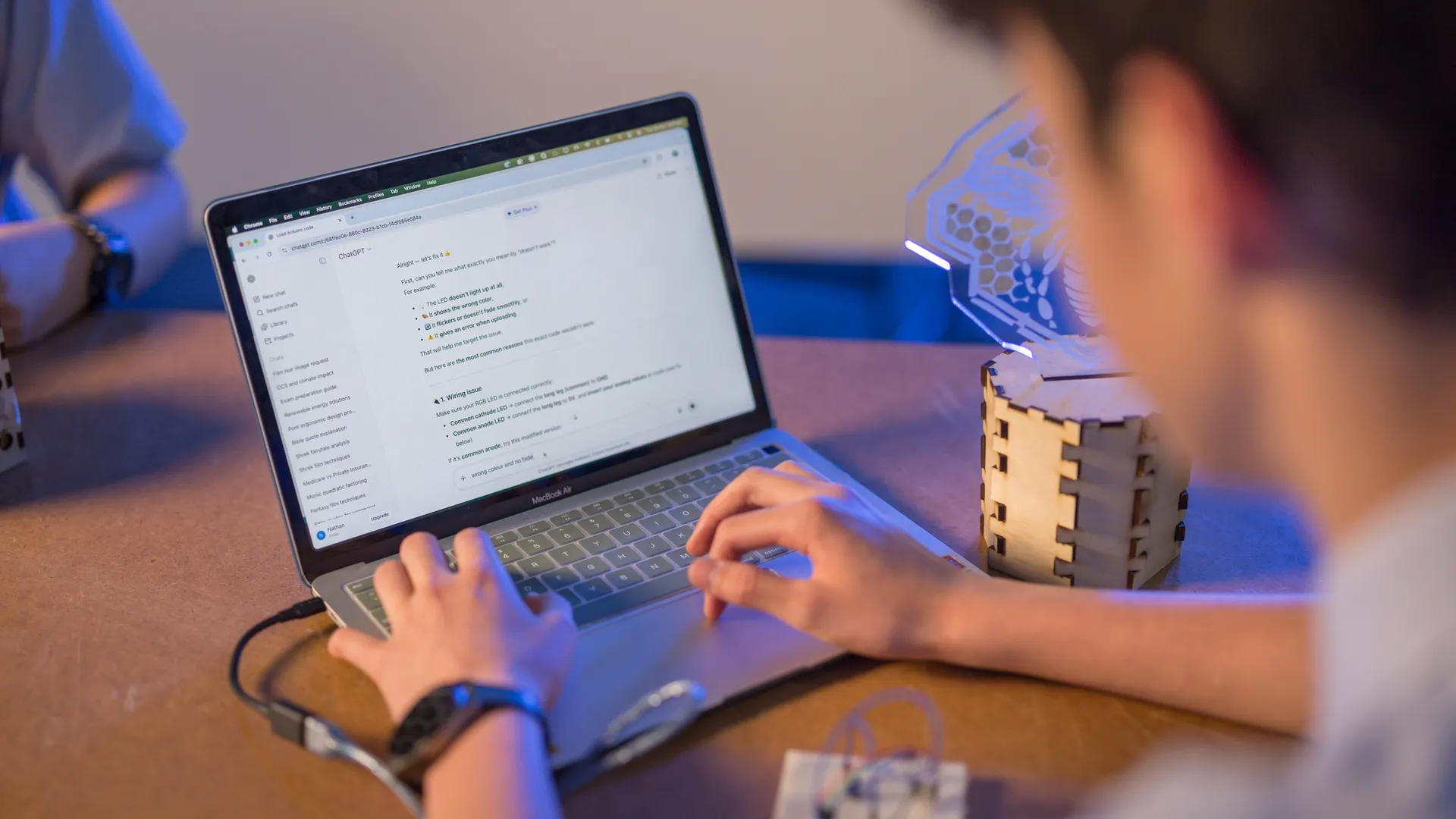

In responding to the educational demands of a rapidly changing world, The Melbourne Declaration on the Educational Goals for Young Australians (MCEETYA, 2008) highlights the need for students to become more creative and productive users of technology.
Today’s students must “learn to use ICT effectively and appropriately to access, create and communicate information and ideas, solve problems and work collaboratively in all learning areas at school and in their lives beyond school.”

In the modern age, educators need to provide a teaching and learning environment that not only fosters the development of foundational skills in literacy and numeracy, but also provides our students with the knowledge, skills and confidence to use information and technology to enhance other aspects of learning.
Effective technology use in support of learning involves ready-access to tools which enhance critical thinking, creativity, clear communication, on-line collaboration, feedback and sharing.
ICT use is no longer an add-on or an isolated activity to be completed through occasional visits to a computer lab.
For this reason, St Patrick’s College has transitioned to a “Bring Your Own Designated Device” (BYODD) environment.
We are transitioning to a Windows-only environment and are progressively phasing out support for Apple Macintosh devices. All Junior School students and new enrolments are required to use a Windows device, and while Apple devices may currently connect to the network, this support will be discontinued over time.
Using an extensive range of cloud-based educational platforms such as Microsoft Office 365 and the Canvas Learning Management System means that our teachers and students can collaborate and learn in an online environment without being tied to a designated operating system or program.
Ultimately, we believe that the use of technology enhances and supports the College’s long standing approach to high quality teaching and learning. All students will be expected to use their devices in a manner that is aligned with the expectations and values of the College and they will be supported to grow as responsible digital citizens.
Follow the instructions below to make sure your computer is set up and ready to work at the College.
You will need to:
- Install Office 365 onto your computer
- Change your password
- Install the College certificate
- Install anti-virus
Office 365
The College uses Microsoft Office 365 for email and file storage.
See the links below for instructions on how to install Office 365 and how to change your password.
(You will need the email address, username and password that was sent to you)
- How to change your College password
- Office 365 Installation instructions for Mac
- Office 365 Installation instructions for Windows
Certificate
For your computer to work on the College network you must download and install a certificate to your computer.
Anti-virus
It is important to keep your computer protected and so it is essential to have anti-virus software installed to be ready for the BYODD program. The College IT Dept recommend the free Sophos Home anti-virus software for Mac and Windows.
- Sophos Home (Free)
Keep exploring
Learning
St Patrick's College has built generations of leaders grounded in faith and integrity. Our students thrive academically and grow as people of conscience.


Begin your journey and let your light shine
Every boy who walks through our gates begins a journey shaped by faith, friendship and challenge. This is where confidence grows, talents emerge and young men learn to live with purpose and heart.